Designer
Add a Local Designer
Open Ignition Designer Launcher and select Add Designer
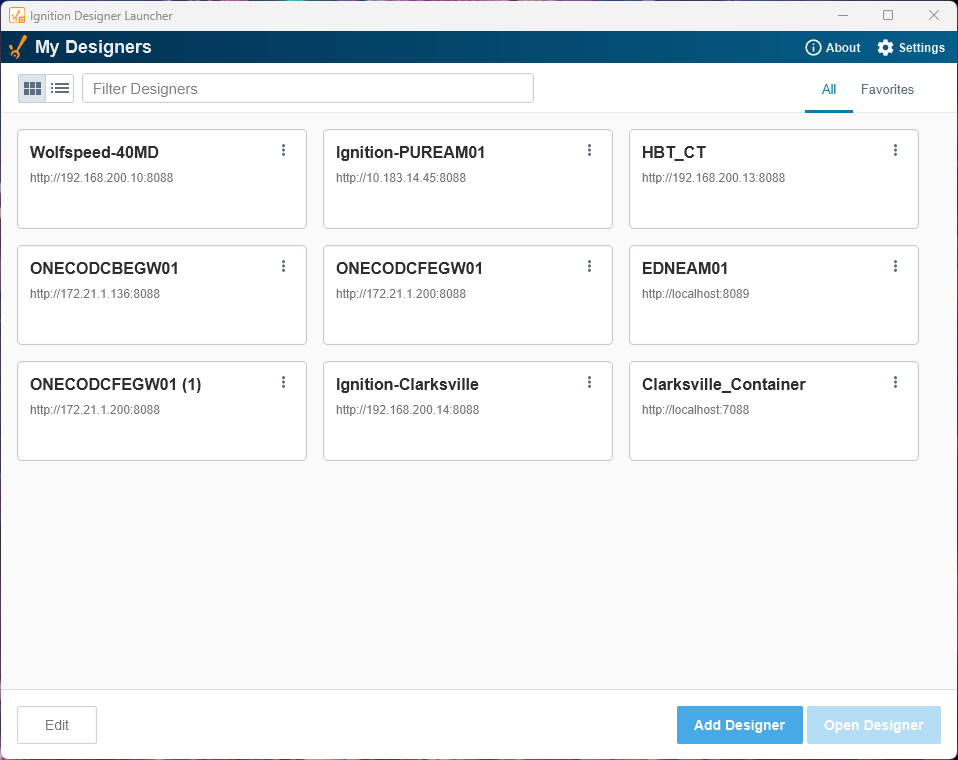
A window will populate with all of the visible gateways on the network.
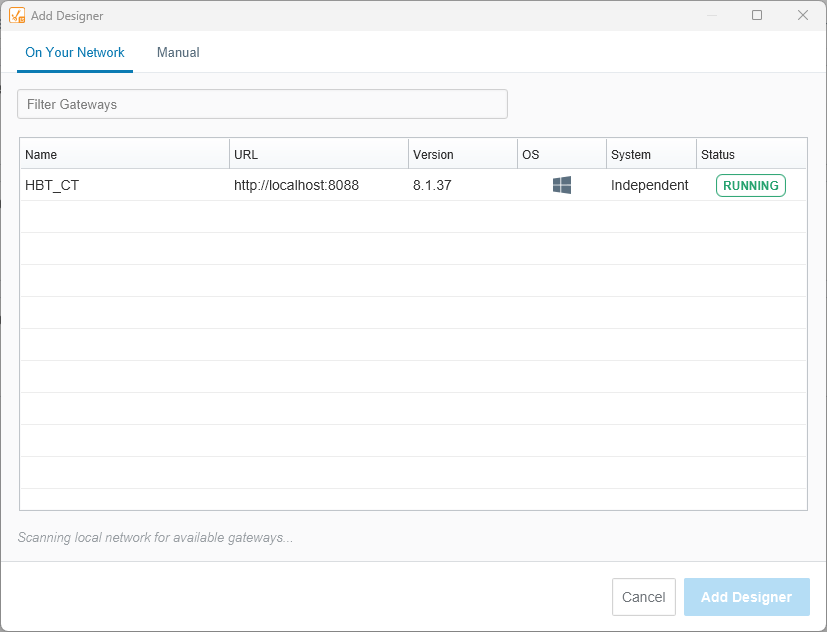
If the gateway you're trying to connect to is visible, select and and click Add Designer.
If the gateway you're trying to connect to is not vissible, select Manual at the top of the window, to manually enter the gateway URL.
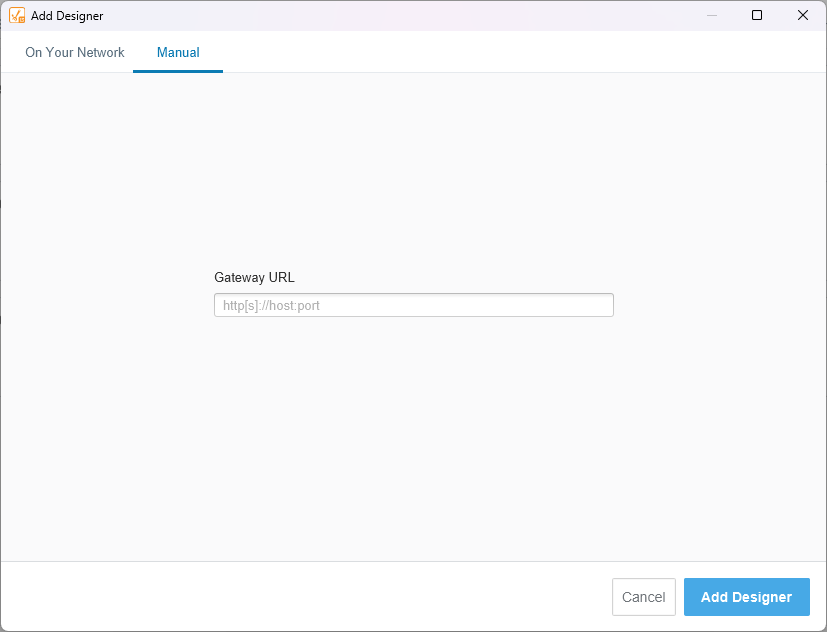
Ensure you add the port to the URL, the default is 8088.
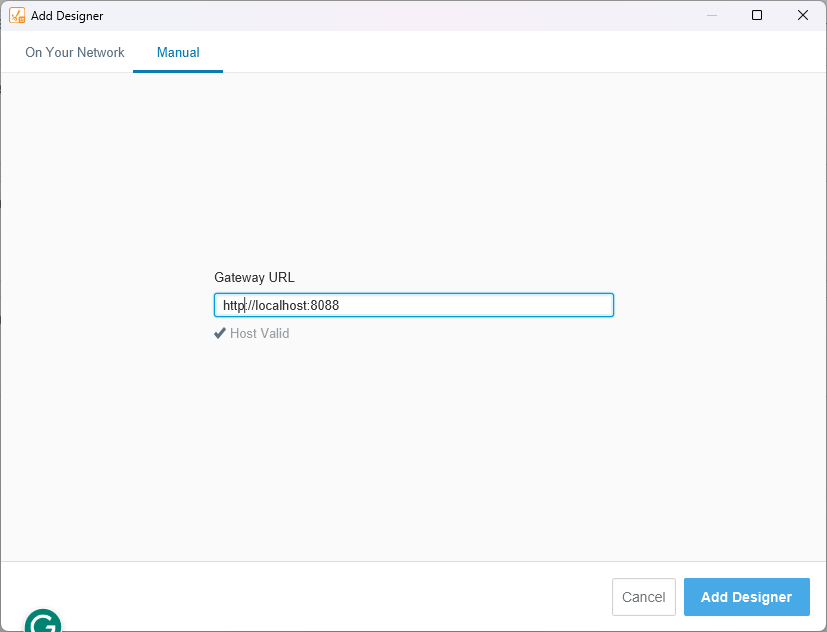
If the URL is valid, a checkmark and Host Valid will be displayed below the Gateway URL.
Select Add Designer.