ADP Portal
Welcome to the ADP Portal: Your Gateway to Efficient Work Processes
The ADP Portal is designed to simplify and streamline your work experience, offering easy access to essential features like payroll, benefits, and PTO balance. Whether you're managing hours, tracking expenses, or reviewing benefits, this platform provides intuitive self-service options to keep everything organized. Follow the steps below to get started!
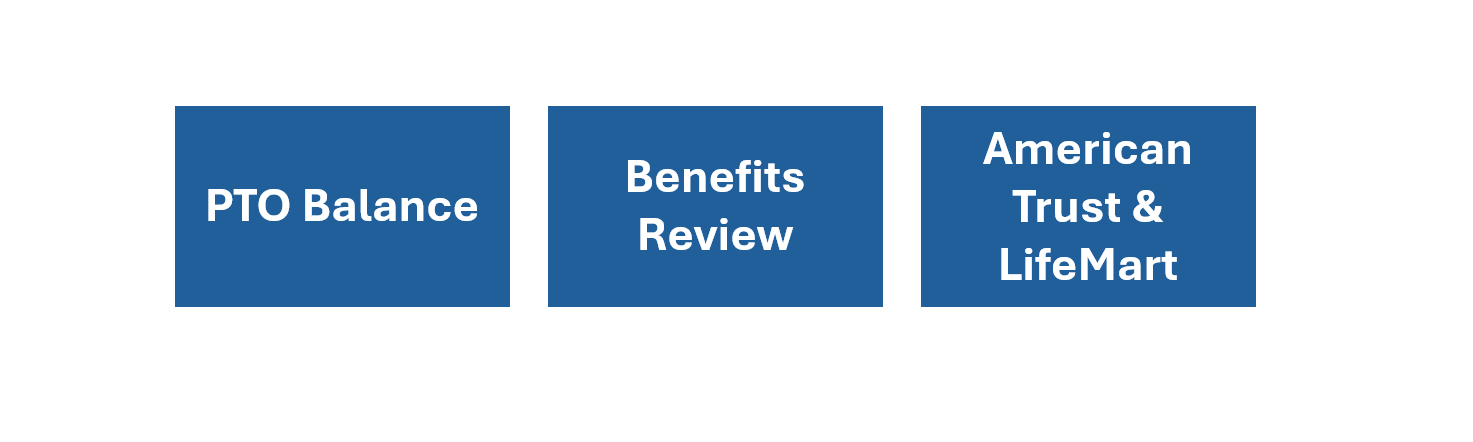
By leveraging these features, you can maximize the portal's capabilities and enhance your overall work experience.
Steps to Access the ADP Portal
Step 1: Log In
- Access the portal via SharePoint or ADP Workforce.
- Use your credentials to log in and explore the available tools.
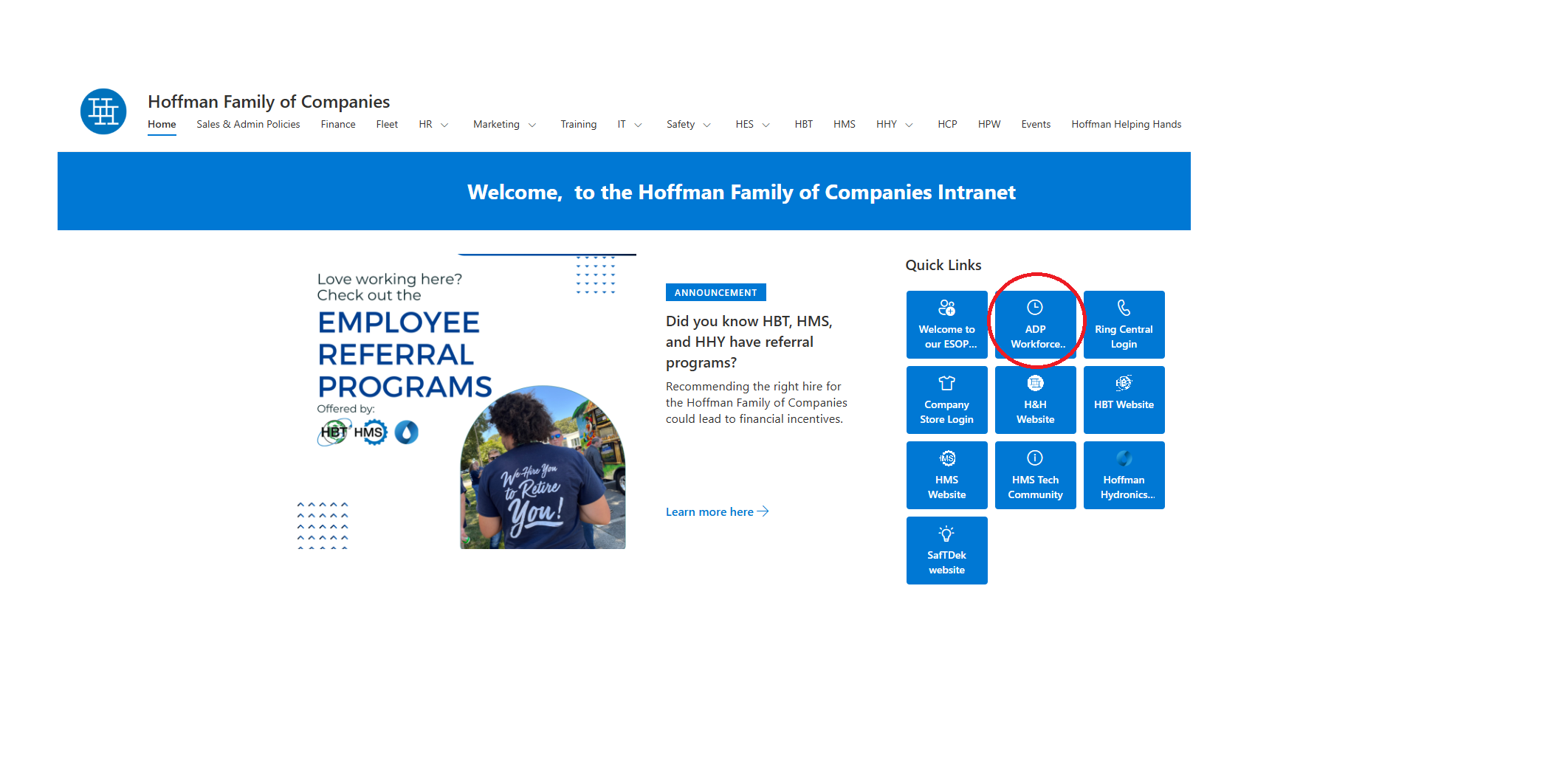
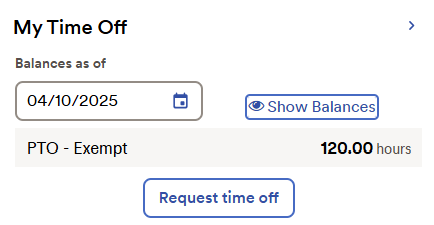
Step 2: Check Your PTO Balance
- Before submitting a PTO request, navigate to the PTO Balance section to view your available hours. This ensures you have sufficient time for your request.
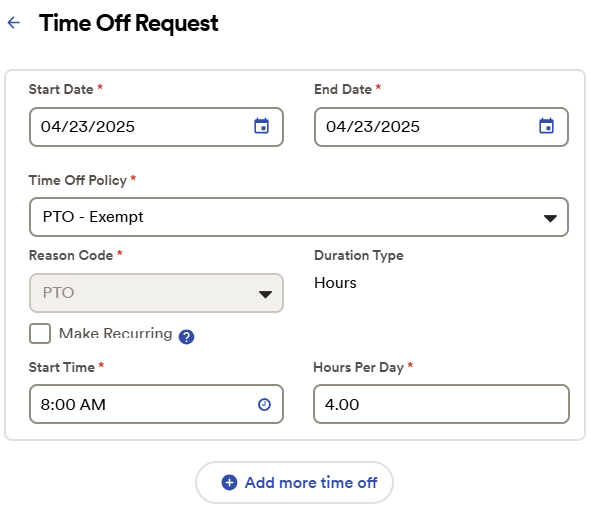
Step 3: Submit Your Time Off Request
- Use the Time Off Request feature in the portal to submit your PTO request. Follow the prompts for a smooth submission process.
Step 4: Record PTO Usage on Timecard Grid
- Once your PTO is approved, make sure to log your PTO usage on the Timecard Grid. This step is crucial for ensuring accurate payment during payroll processing.
Key Features of the ADP Portal
- Payroll Management: View pay stubs, tax forms, and direct deposit details.
- Benefits Access: Review and manage your benefits plans with ease.
- Self-Service Tools: Update personal information and track expenses independently.
- Mobile Accessibility: Manage tasks conveniently using the ADP mobile app.
Revision History
| Revision | Date | Name | Description |
|---|---|---|---|
| 1.0.0 | 04/09/2025 | Sneha Karnik | Initial Implementation |